01
Arrive with a purpose
Watch the video, check the post, or reply to the message you opened the site for.
Do what you came to do
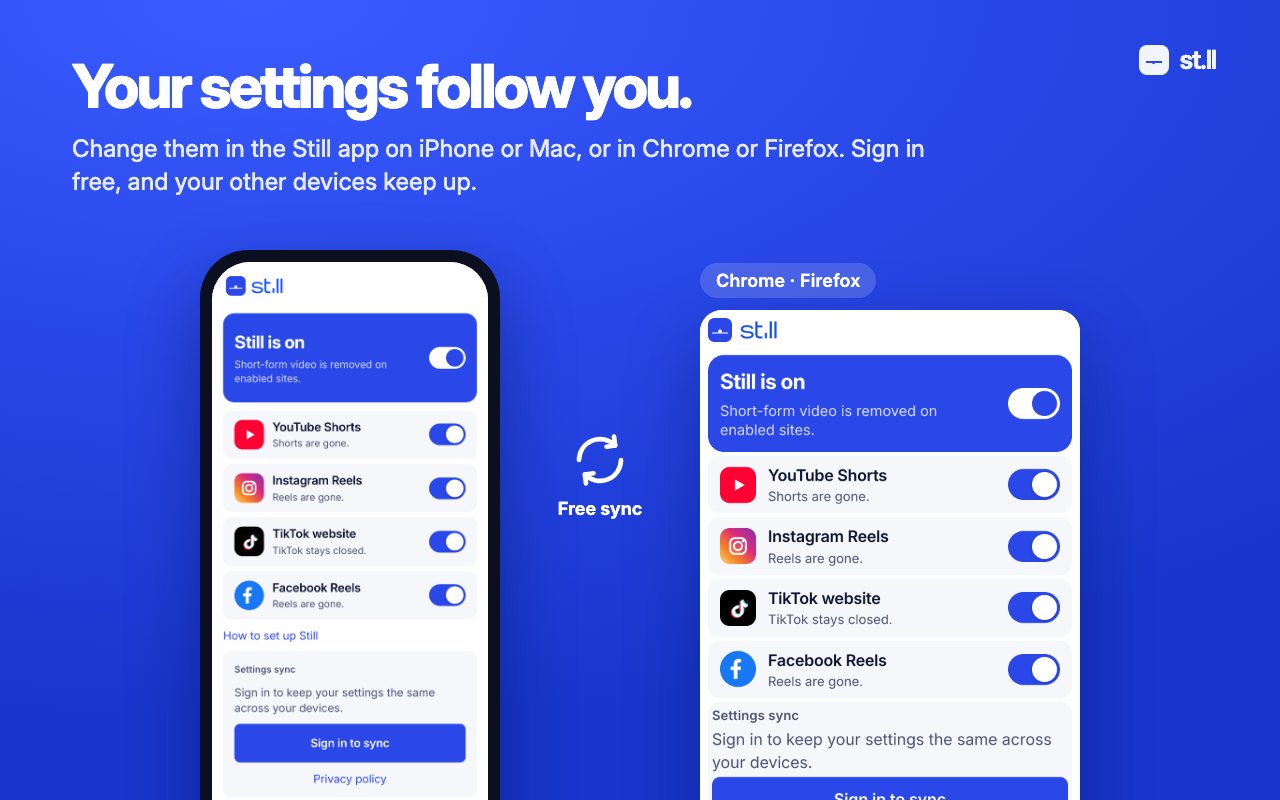
Still is a mobile and desktop app, as well as a browser extension. Your blocking settings sync automatically between your devices when you sign in.
Still isn't available on Android. It works in Safari on iPhone, iPad and Mac, and in Chrome and Firefox on a computer.





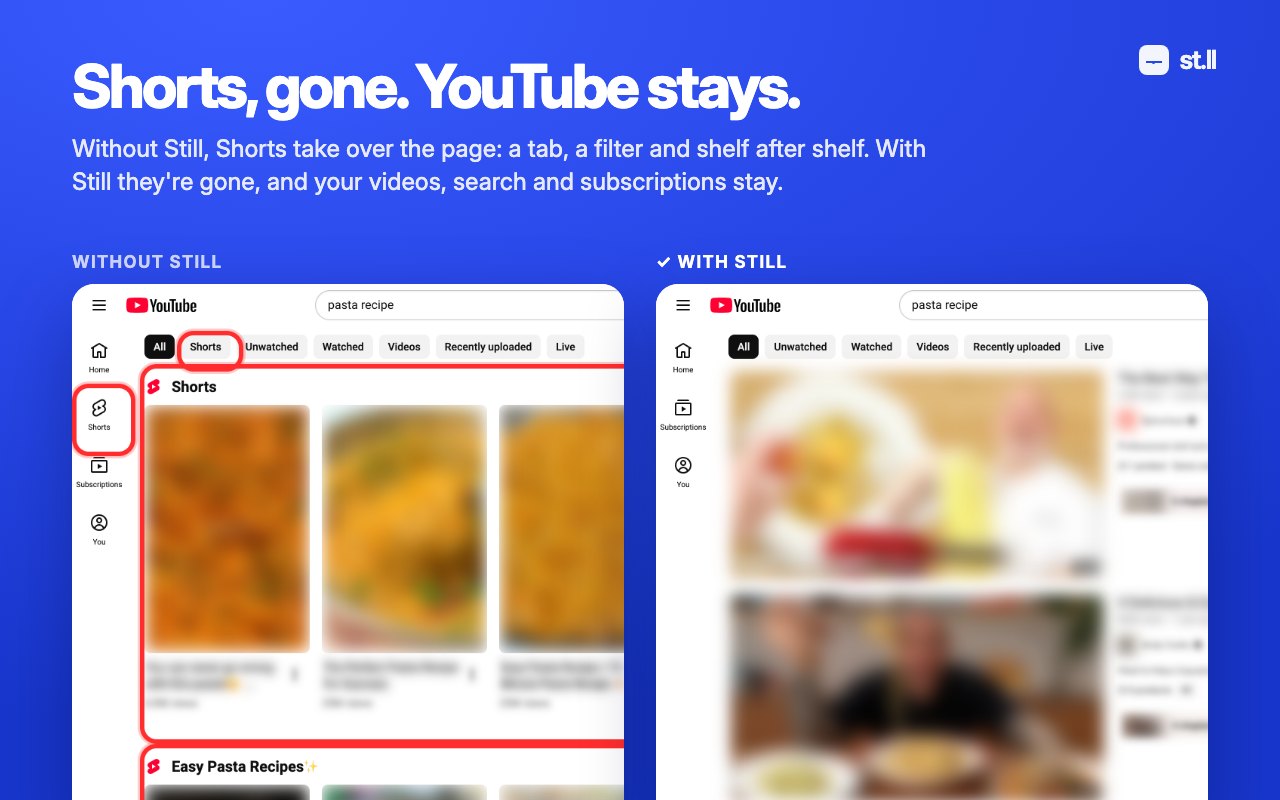
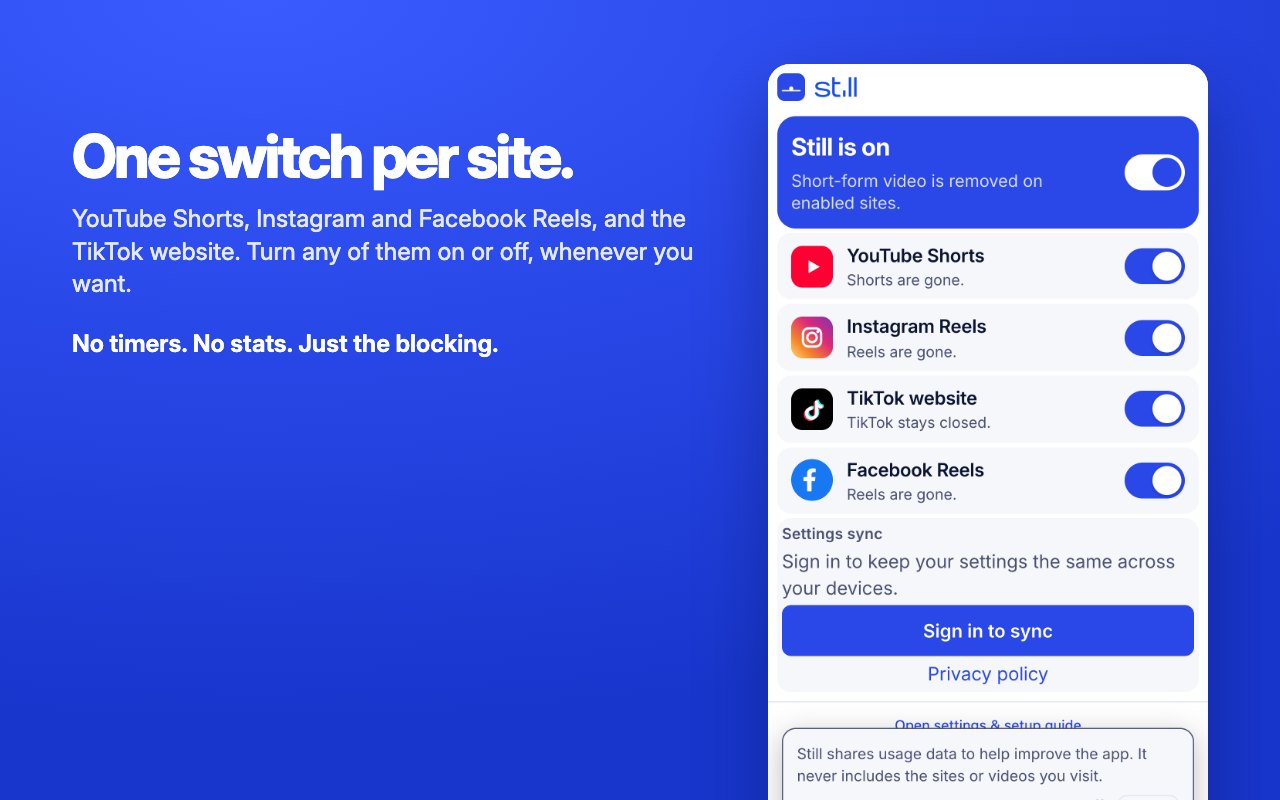
Watch the video, check the post, or reply to the message you opened the site for.
The short-form entry points and feeds simply aren’t there to catch your attention.
No timers, shame, streaks, or willpower games. Just a calmer version of the web.
iPhone & iPad
Works on websites in Safari, not inside social-media apps. Android isn’t supported.
Chrome, Safari and Firefox
Install Still separately in each browser you use.
Open Still on each device or browser. Sign in with the same email and enter the code we send you. Your blocking settings sync automatically.
See the full setup guide →Included in Still
Free blocking
$0
Remove short-form distractions on all four supported websites. No account required.
Optional settings sync
Free too
Keep your choices consistent across supported browsers and devices.
Still removes YouTube Shorts, Instagram and Facebook Reels, and blocks the TikTok website. All included, with no purchase needed.
No purchase or account needed for blocking. Sign-in is optional and enables free settings sync.
Private by design
Blocking happens on your device. Still has no ads and never records the pages or videos you visit. It shares usage data to help improve the app, and you can turn that off in settings. Optional sign-in lets you sync your Still settings across supported devices. See our privacy policy for account and service-provider details.
Read the privacy policy →